For most of Google's history, "where do we rank?" had a simple answer: position 3, position 7, page two.
Google AI Mode makes that answer much harder to give. AI Mode is a separate, conversational search experience inside Google. Instead of ten blue links, the user gets a generated answer with source links, and can keep asking follow-up questions. There's no position 1 to win. Your page is either used as a source and shown as a link, or it isn't. Your brand is either named in the answer, or it isn't.
This guide covers how AI Mode differs from AI Overviews, why traditional rank tracking misses it, and how to measure your visibility there.
AI Mode vs. AI Overviews: Not the Same Surface
The two are easy to confuse, but they work differently.
| AI Overviews | AI Mode | |
|---|---|---|
| Where it appears | At the top of a normal results page, for some queries | A separate tab or mode, opened by the user |
| Query style | Standard searches | Longer, conversational, multi-part questions |
| Follow-ups | No conversation | Conversational: users refine and dig deeper |
| Organic results | Shown below the overview | The answer is the main experience |
| How it gathers information | Summarizes top-ranking content | Breaks the question into many related sub-searches and combines the results |
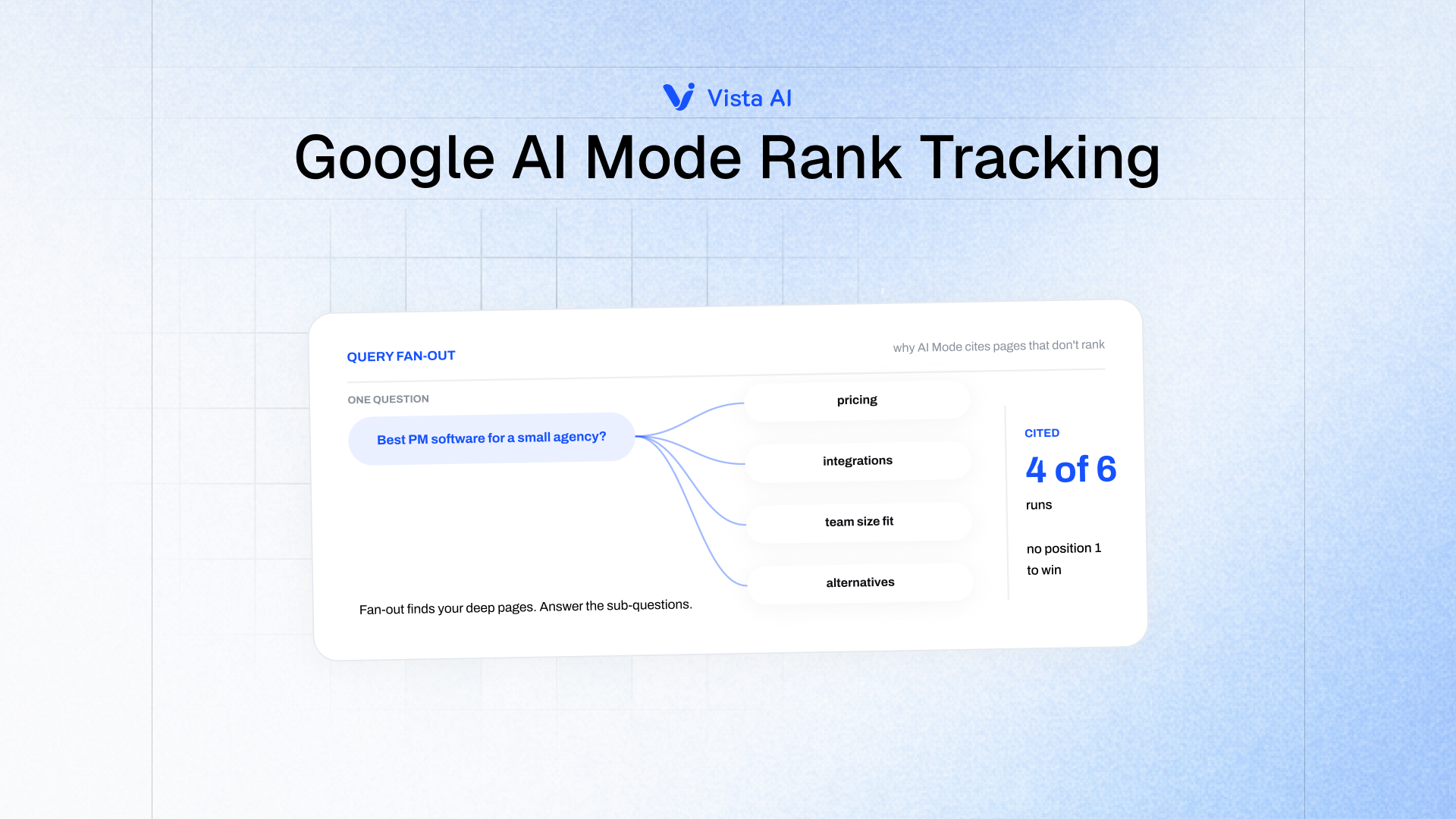
That last row matters most. Google has described AI Mode as using query fan-out: one user question becomes many behind-the-scenes searches on subtopics. That's why AI Mode often cites pages that don't rank in the top 10 for the user's literal query. They rank for one of the sub-questions instead.
Why Your Normal Rank Tracker Misses AI Mode
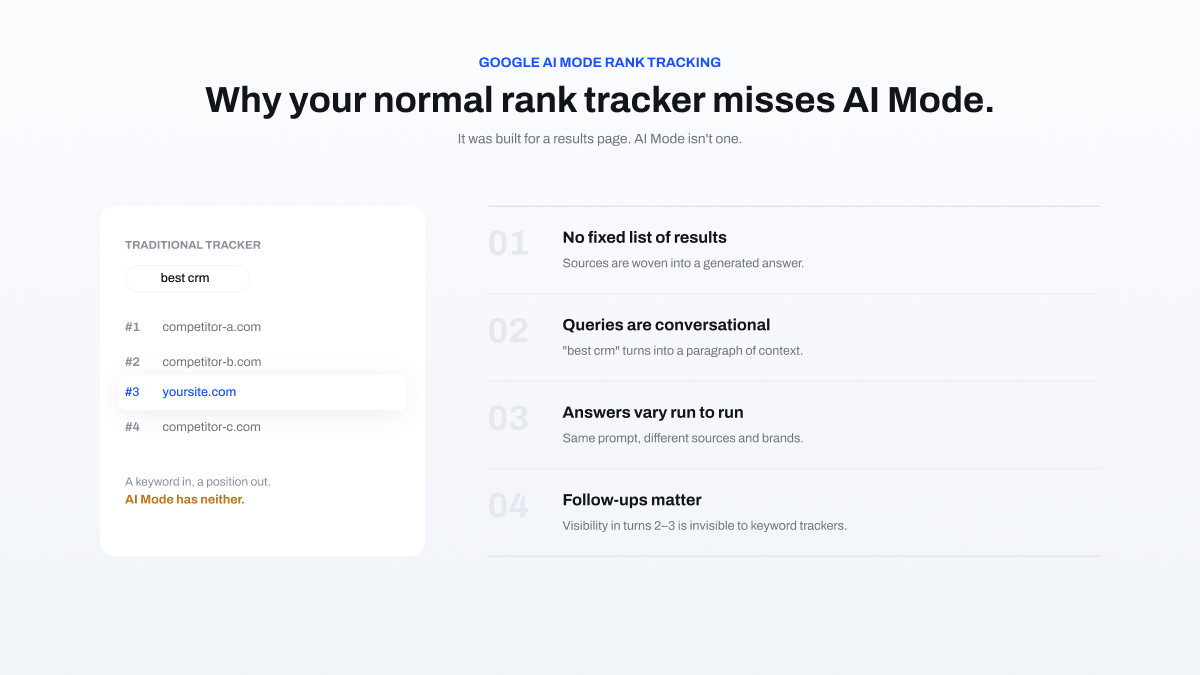
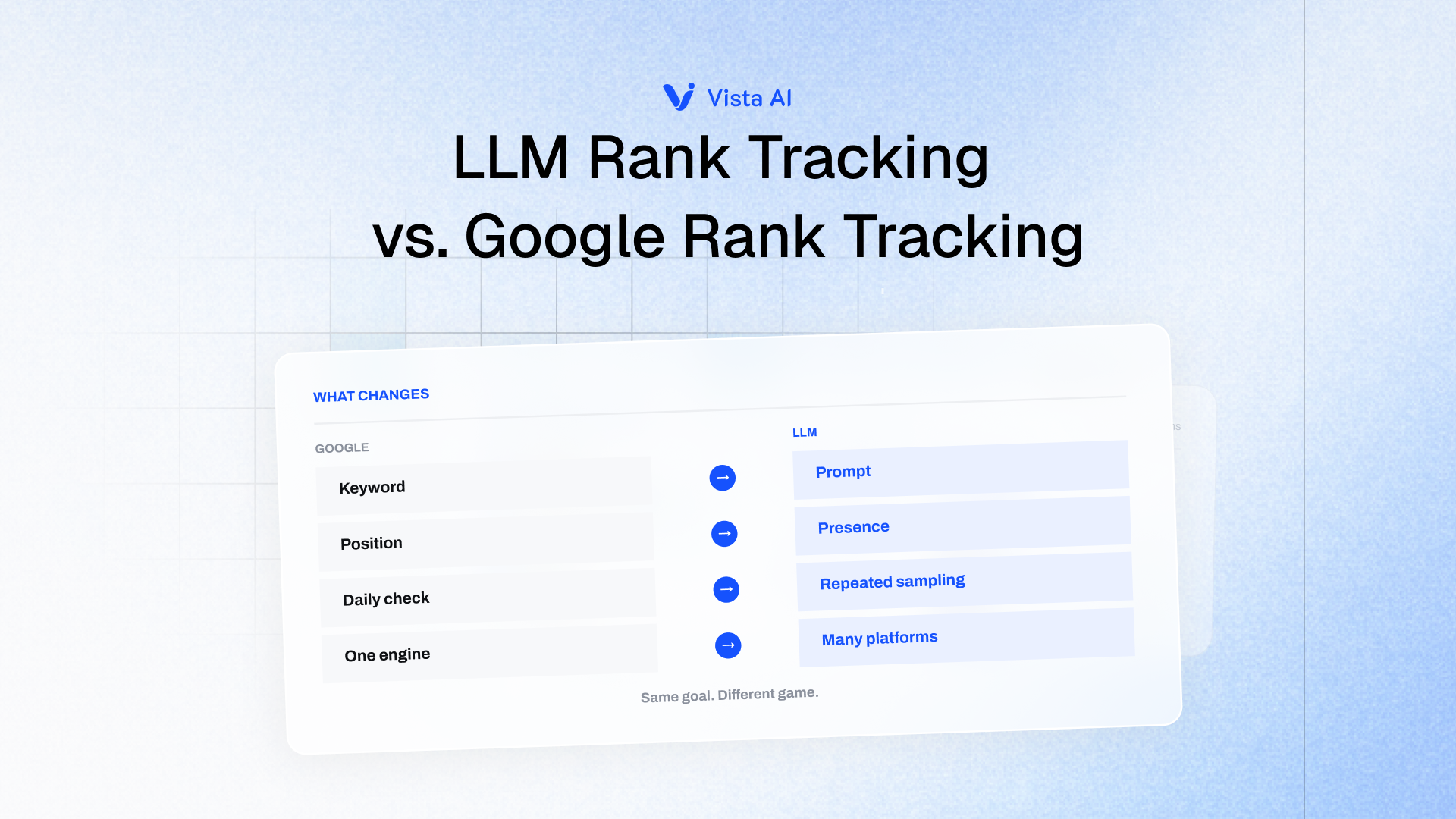
Traditional rank trackers check a keyword and record the position of your URL among organic results. In AI Mode:
- There's no fixed list of results. Sources are woven into a generated answer.
- Queries are conversational. "best crm" turns into "I need a CRM for a 10-person real estate team that integrates with Gmail and doesn't cost a fortune."
- Answers vary. The same prompt can produce different sources and brands on different runs.
- Follow-ups matter. Visibility in the second or third turn of a conversation is invisible to keyword-based trackers.
What about Search Console?
Google Search Console includes AI Mode activity in its overall Search performance data. Clicks, impressions, and positions from AI Mode are counted together with normal web results. But there's no separate AI Mode filter, so you can't isolate how your site does there. Search Console also says nothing about brand mentions that come without a link.
What to Measure in AI Mode
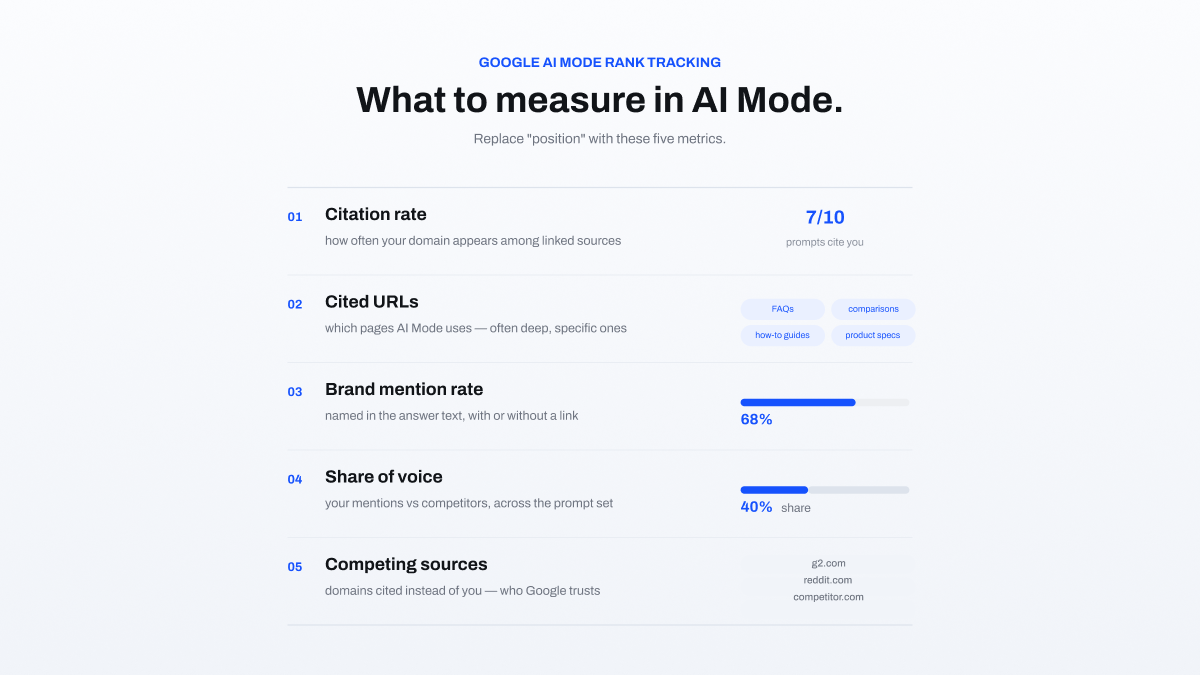
Replace "position" with these metrics:
1. Citation rate
How often your domain appears among the linked sources for a set of prompts.
2. Cited URLs
Which of your pages AI Mode uses. They're often deep, specific pages: FAQs, comparison tables, how-to guides, product specs.
3. Brand mention rate
How often your brand is named in the answer text, with or without a link.
4. Share of voice
Your mentions as a share of all brand mentions across your prompt set, compared with competitors.
5. Competing sources
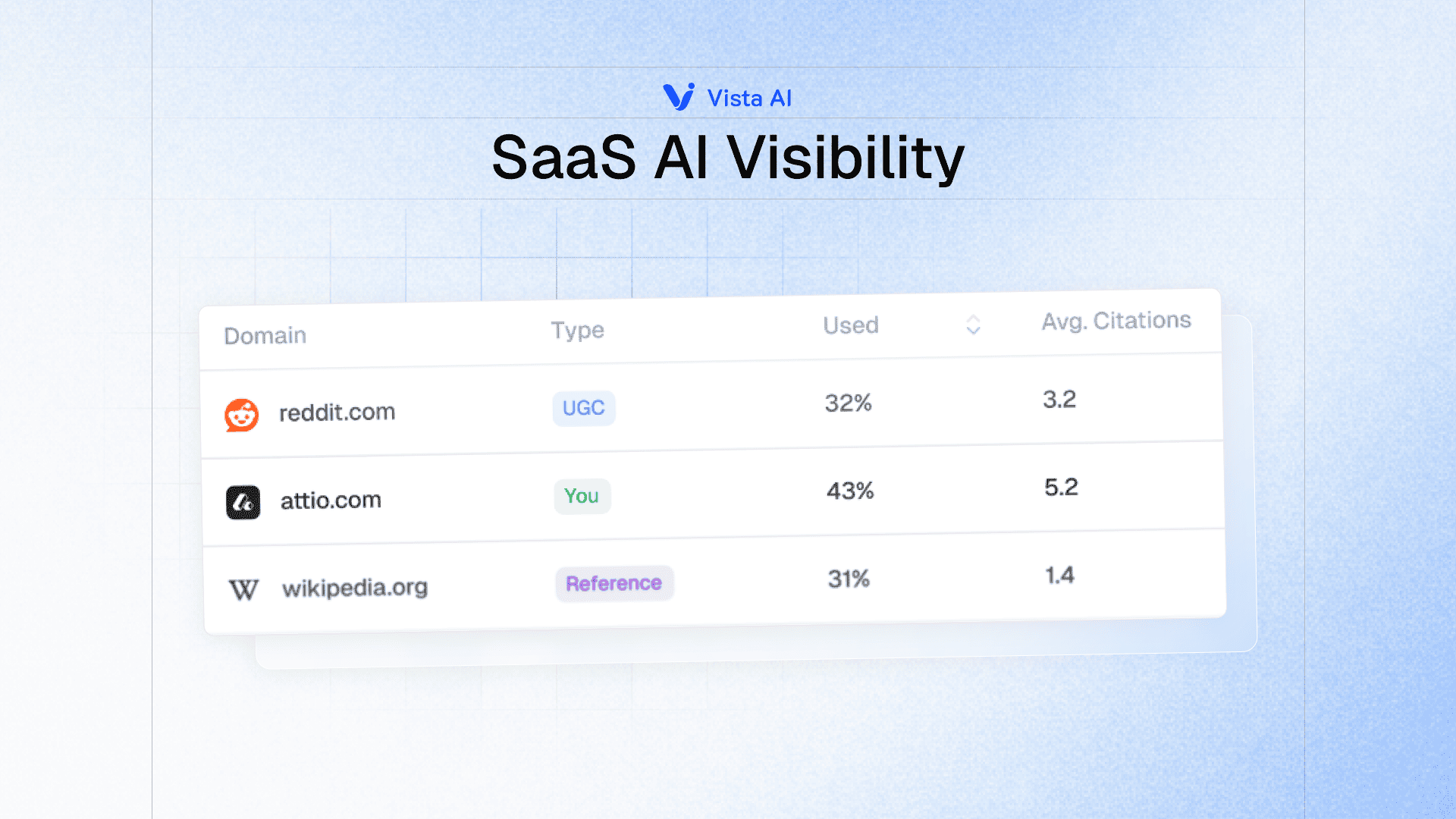
The domains AI Mode cites instead of you. These show you which publishers, review sites, or competitors Google trusts on your topics.
How to Track AI Mode Visibility
Step 1: Write conversational prompts, not keywords
For each important keyword, write 3–5 prompts the way a real person would type into AI Mode:
- Keyword: "project management software agencies"
- Prompts:
- "What's the best project management software for a small creative agency?"
- "I run a 15-person design agency. What should we use to manage client projects and approvals?"
- "Compare project management tools for agencies that bill by the hour"
Step 2: Include the sub-questions
Because of query fan-out, think about the sub-questions a long prompt breaks into: pricing, integrations, team size, alternatives, specific features. Pages that answer those specific sub-questions clearly are prime citation candidates. Track prompts that target them directly.
Step 3: Standardize the environment
Run checks logged out or in a clean profile, from a consistent location. AI Mode personalizes based on location and, for logged-in users, past activity.
Step 4: Sample repeatedly
Run each prompt several times per tracking cycle and record frequencies, for example "cited in 4 of 6 runs," instead of a single yes/no.
Step 5: Track follow-ups for your most important topics
For key topics, script a short conversation, such as initial question → "what about pricing?" → "which is best for small teams?". Record visibility at each turn. Brands often appear in the first answer and drop out on follow-ups, or the other way round.
Step 6: Compare with AI Overviews and organic rankings
For the same topics, compare:
- Your organic ranking
- Whether you appear in the AI Overview
- Whether you appear in AI Mode
Where you rank organically but are missing from AI Mode, your page probably doesn't answer the specific sub-questions clearly enough. Where you appear in AI Mode without ranking organically, fan-out is finding your deep pages, which is worth building on.
How to Improve AI Mode Visibility
Answer sub-questions explicitly. Give pricing, integrations, limitations, and "best for" use cases their own clearly headed sections, so fan-out searches can match specific passages.
Front-load the answer. Put a direct, self-contained answer at the top of each section. AI systems pull passages, not whole pages.
Use comparison tables and structured lists. They're easy to extract and match comparison-style follow-up questions.
Keep facts current and dated. Pricing, specs, and feature lists that are clearly up to date are safer for an AI to cite.
Build third-party coverage. AI Mode cites review sites, forums, and publisher roundups heavily. Being featured accurately in those sources matters as much as your own pages.
Keep up the SEO fundamentals. AI Mode is still built on Google's index and ranking systems. Crawlability, indexation, page experience, and authority still apply.
Tracking AI Mode With Vista AI
Vista AI's Rank Tracker monitors Google AI Overviews alongside ChatGPT, Perplexity, Gemini, Claude, and Copilot. It runs your prompt set on a schedule, records every brand mention and cited URL, and benchmarks you against competitors, so you can see your Google AI visibility next to every other AI platform in one dashboard.